If you are running desktop environments in VMs and are unable to share clipboard, this topic could help.
Background Link to heading
I encountered this issue while running Kali Linux in virt-manager/QEMU based VMs. When setting up desktop environment in virt-manager, if you need to share clipboard between host machine and guest VM, setup spice with the steps according to the topic is necessary:
- Add a virtuio serial device
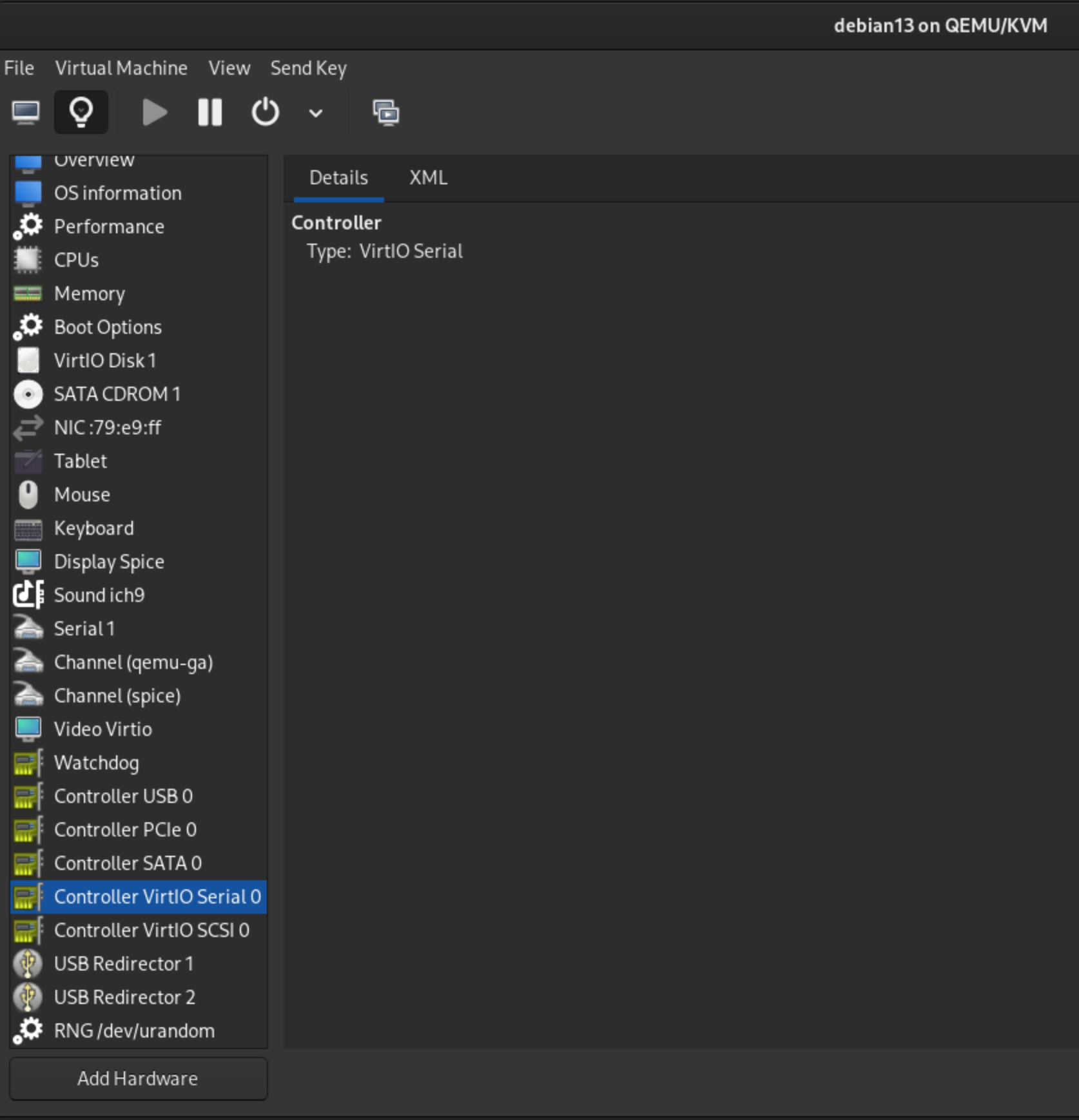
- Add a spicevmc channel
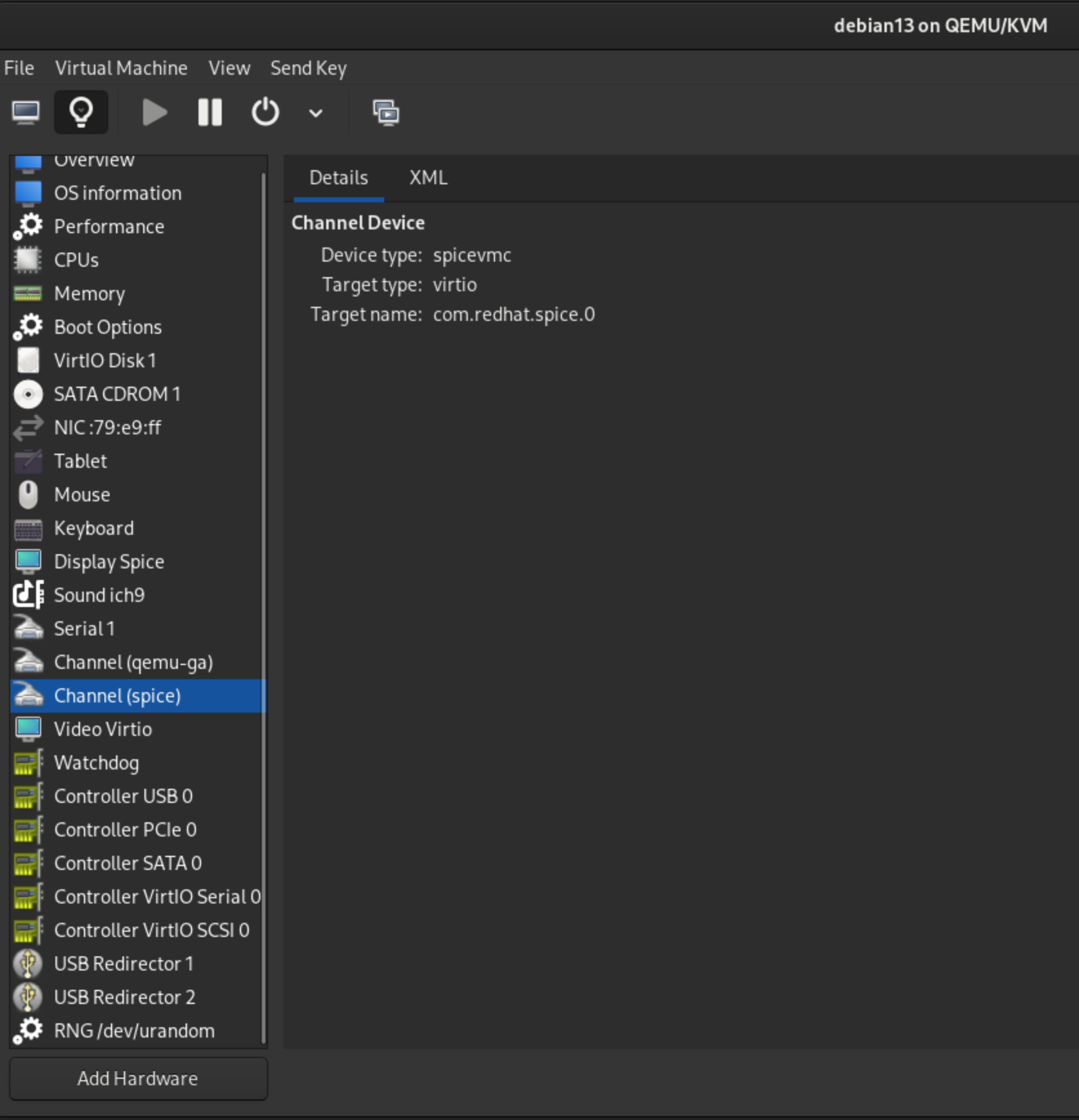
Although some guides suggest installing spice-vdagent on host machines, it’s generally unnecessary to modern distributions such as Ubuntu 26.04+ and Debian 13+.
However, if your guest VMs run KDE, you might encounter some strange behaviors. In my case, copying text from the host(Debian 13) to guest(Kali 2026.2, Debian 13-based) worked, but copying in the opposite direction didnt’. It seems to be caused by how different desktop environments handle their Wayland Compositor implementation. Resolving this requires upstream patch in KDE, which has not yet been addressed.
Resolution Link to heading
My recommendation are:
- Switching desktop environments. In my testing, neither GNOME nor XFCE suffered this issue.
- Switching hypervisors. For instance VitualBox. Note that running Virutalbox on Linux relies on KVM, which will cause conflict with QEMU. It could bring more overhead to users.